
Most spreadsheet problems start long before a formula breaks
We design structured Google Sheets systems that are easier to use, harder to break, and built to work consistently across teams, departments, and shared business workflows.
Our focus is not simply on making spreadsheets look cleaner, but on creating operational environments that improve consistency, simplify collaboration, reduce manual errors, and make long-term maintenance significantly easier as organisations grow.
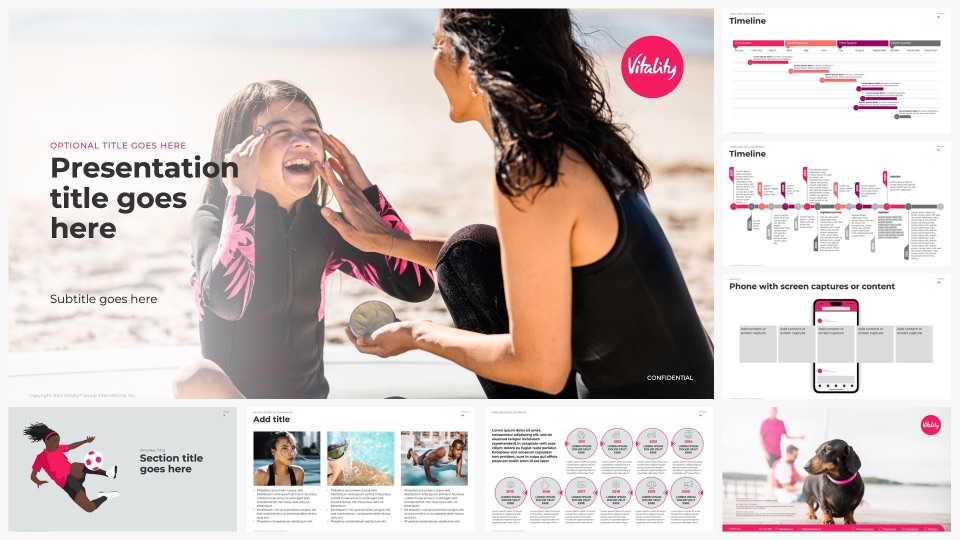

The problem is rarely one spreadsheet. It is what happens across hundreds of them.
Google Sheets has become one of the most widely used operational tools inside modern organisations. Teams rely on spreadsheets to manage reporting, budgeting, forecasting, resource planning, sales tracking, operations, recruitment, and internal workflows every day.
The problem is that most spreadsheet environments evolve without any real structure behind them.
Departments create their own versions. Teams duplicate older files and adapt them independently. Formulas become increasingly fragile over time. Reporting structures drift. Branding becomes inconsistent or disappears entirely. Eventually, organisations end up managing hundreds of disconnected spreadsheets that all work slightly differently.
What began as a practical tool gradually becomes difficult to maintain, difficult to govern, and increasingly unreliable across the wider business.
Most spreadsheet failures are not caused by formulas. They are caused by spreadsheet environments that were never designed properly for multiple users, multiple departments, and long-term operational usage.
At Worker Ant, we help organisations rebuild structure into their spreadsheet systems by creating branded Google Sheets environments that are more scalable, easier to manage, and far more consistent across teams.
What structured Google Sheets systems are designed to improve
Spreadsheet problems rarely begin as a design issue. They begin as a structural one. When spreadsheets evolve without consistency, teams spend more time managing the tool than using it.
Our Google Sheets work focuses on the areas where operational spreadsheet environments most commonly begin to break down.

Spreadsheet consistency
Structured layouts, formatting systems, and shared standards that keep spreadsheets visually aligned and operationally consistent across departments.

Collaborative workflows
Google Sheets environments designed around real-world collaboration, simultaneous editing, user guidance, validation, and shared team usage within Google Workspace.

Reporting structure
Spreadsheet systems designed to support cleaner reporting outputs, more consistent data formatting, and faster information handling across teams.

Formula safety
Protected ranges, controlled logic, and clearly separated input and output zones that reduce the risk of accidental edits breaking reporting or calculations.

Faster data entry
Dropdowns, named ranges, structured inputs, conditional formatting, and guided workflows that reduce manual effort and improve accuracy.

Easier long-term maintenance
Cleaner sheet architecture and documented logic that makes future updates straightforward and reduces the risk of changes breaking other parts of the system.
Spreadsheet environments rarely break down all at once
The failure usually happens gradually. A department builds a tracker that works for them and shares it with another team, who adapts it. Someone adds a formula that nobody else understands. A new starter creates a version from scratch because they cannot find the original. A rebrand happens but nobody updates the sheets.
None of these feel like critical failures at the time. But over months and years they compound, until the organisation is running on dozens of slightly different versions of the same tool, none of which quite work the way they should.
That is the point at which most businesses come to us. Not because of one broken spreadsheet, but because the whole environment has drifted too far to fix incrementally.
Common Google Sheets problems we help solve
Google Sheets makes collaboration fast and accessible, but spreadsheet environments often become increasingly inconsistent over time as files are duplicated, adapted, and shared independently across teams.
We help businesses create structured spreadsheet systems that improve consistency, usability, governance, and long-term maintainability.
Nobody knows which version to use
We create structured template systems with organised master files, naming standards, protected templates, and cleaner spreadsheet libraries so teams always know where the correct version lives.
Someone keeps breaking the formulas
We separate user input areas from protected calculation logic using locked ranges, validation, and controlled structures that reduce accidental errors.
Each department uses a completely different layout
We standardise spreadsheet structures, formatting systems, logic handling, and reporting layouts across teams so information remains consistent throughout the organisation.
The spreadsheets feel disconnected from the wider business
We apply consistent typography, layout systems, spacing, colour structures, and visual standards so spreadsheets feel like part of the organisation’s wider operational environment rather than isolated tools.
What Our Clients Say
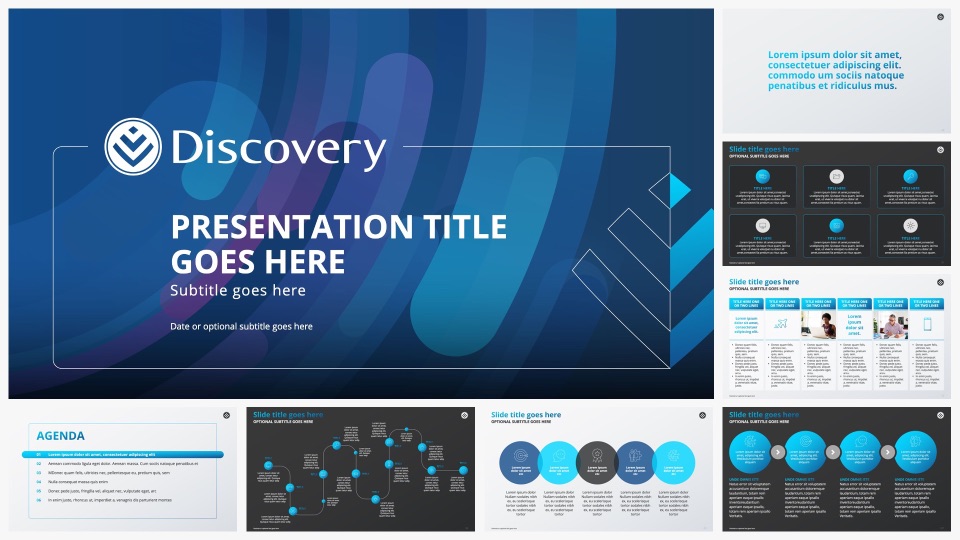
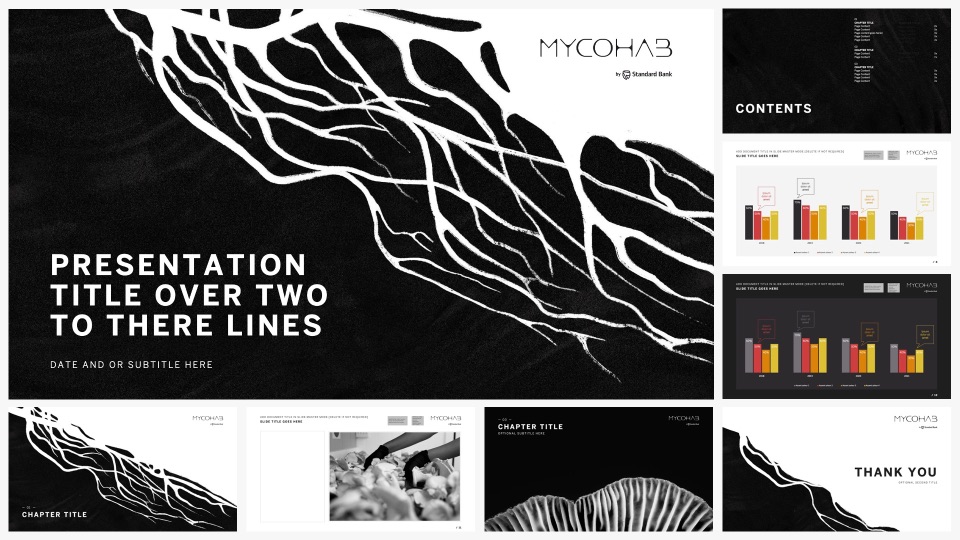
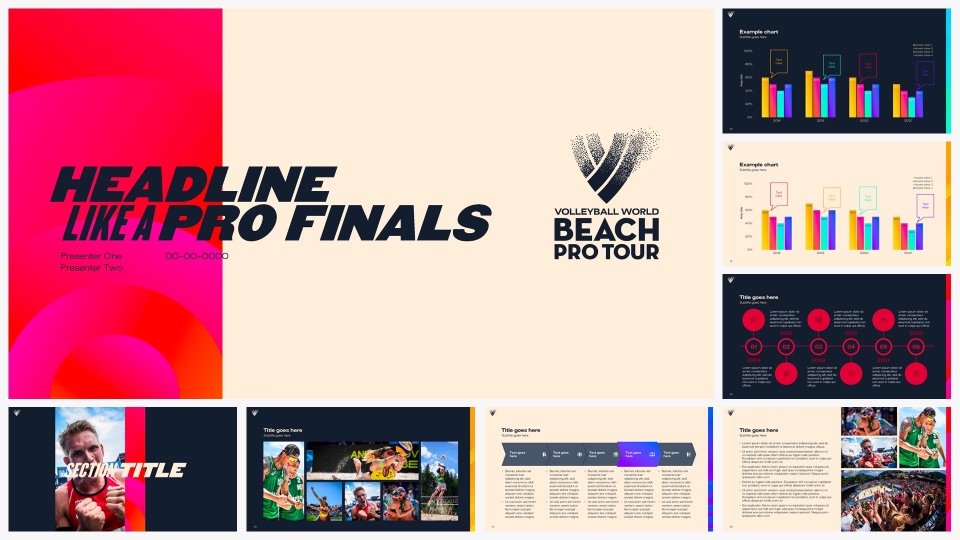
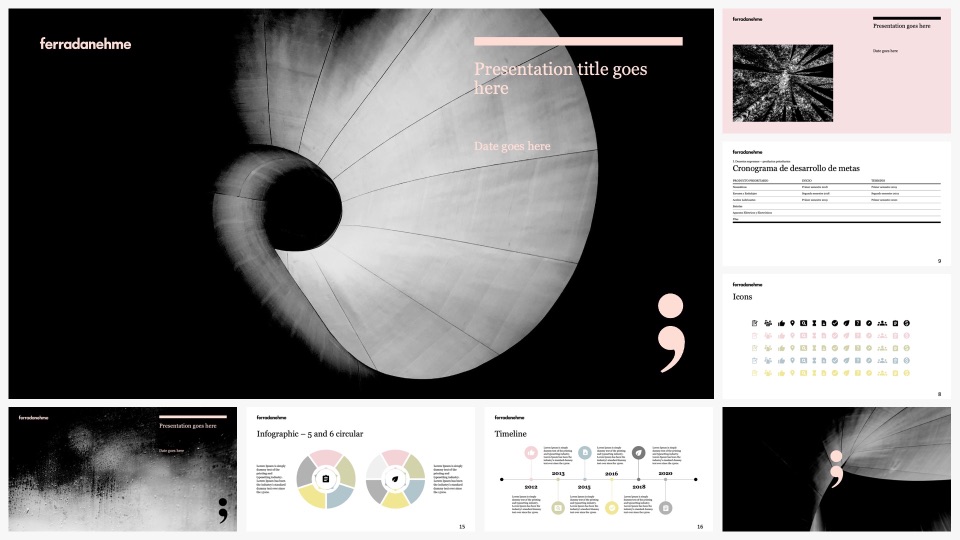
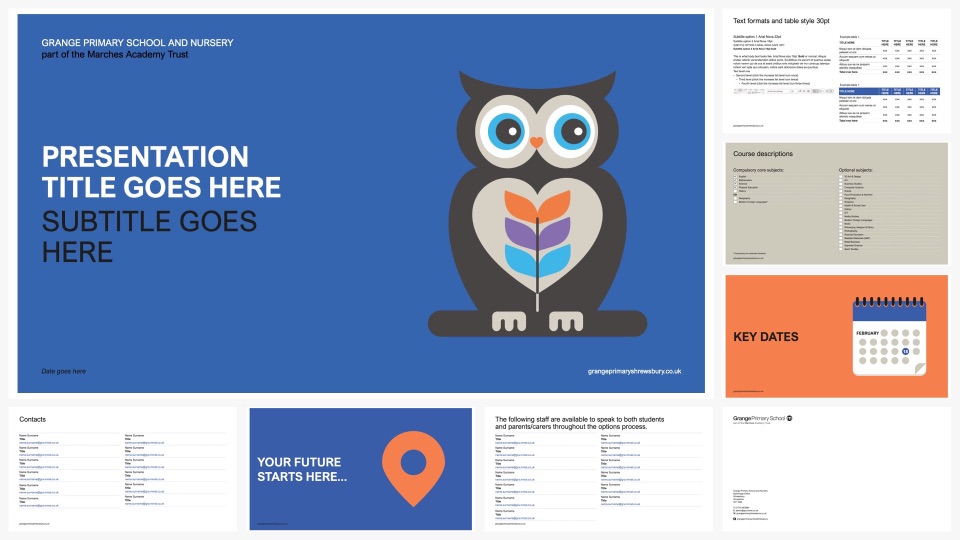
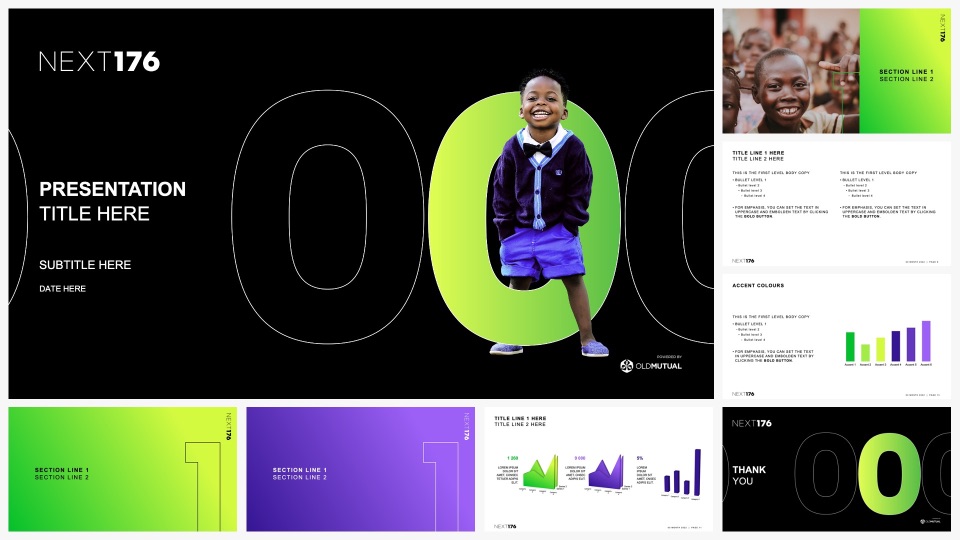
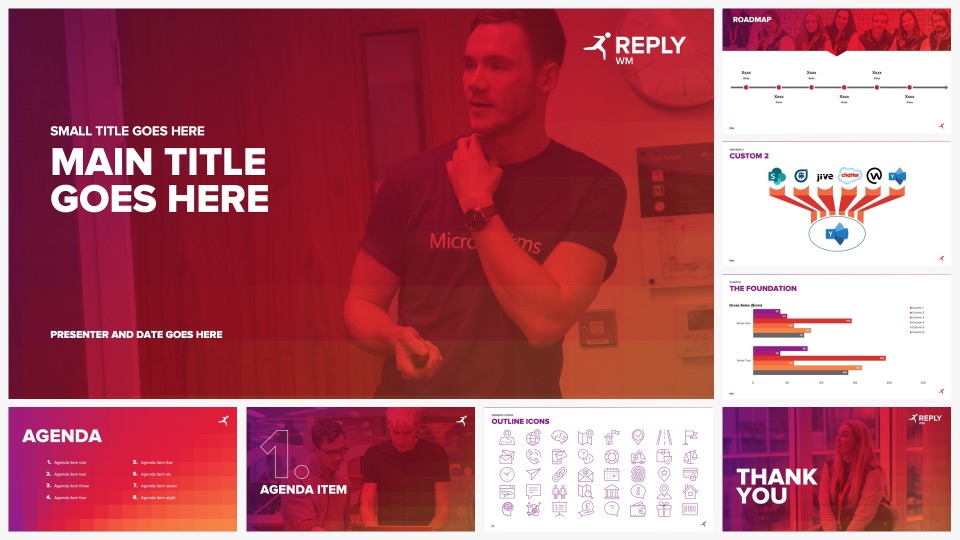
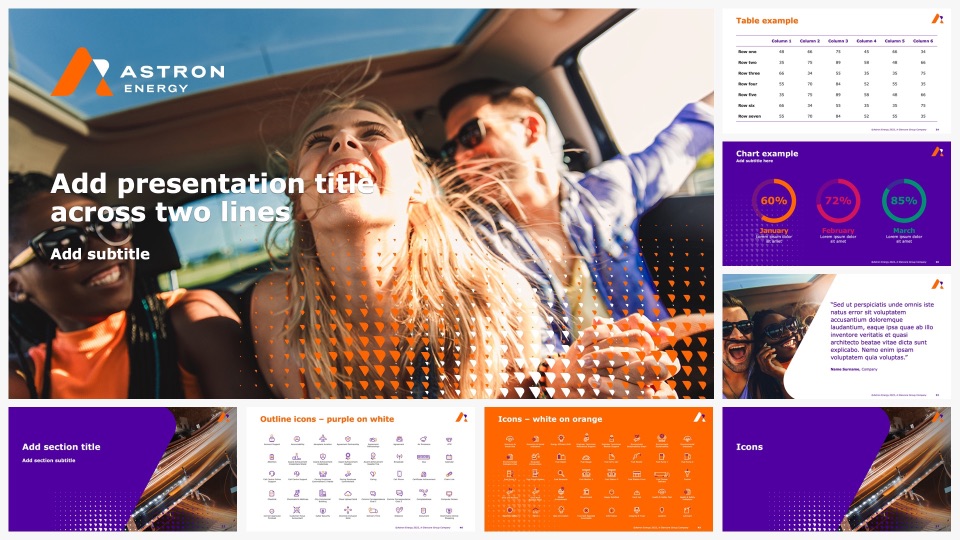
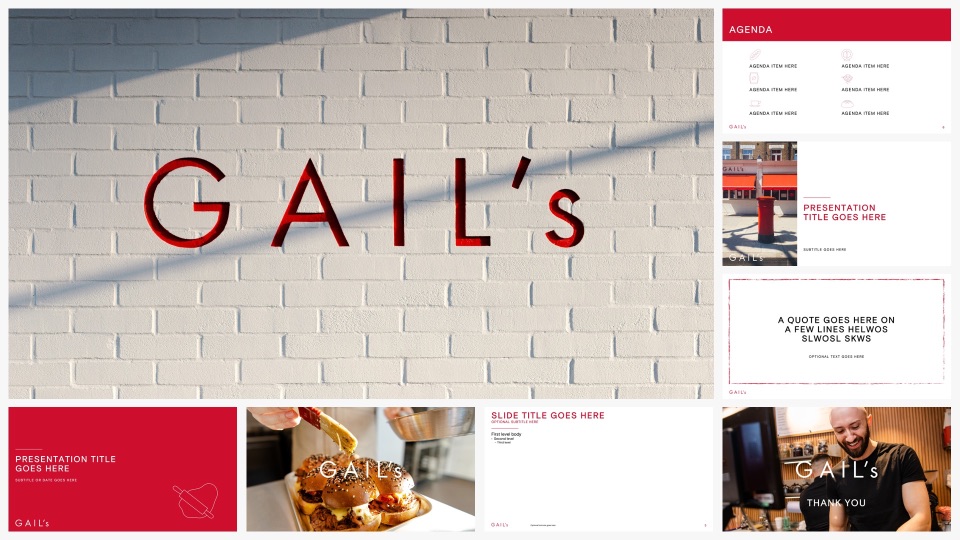
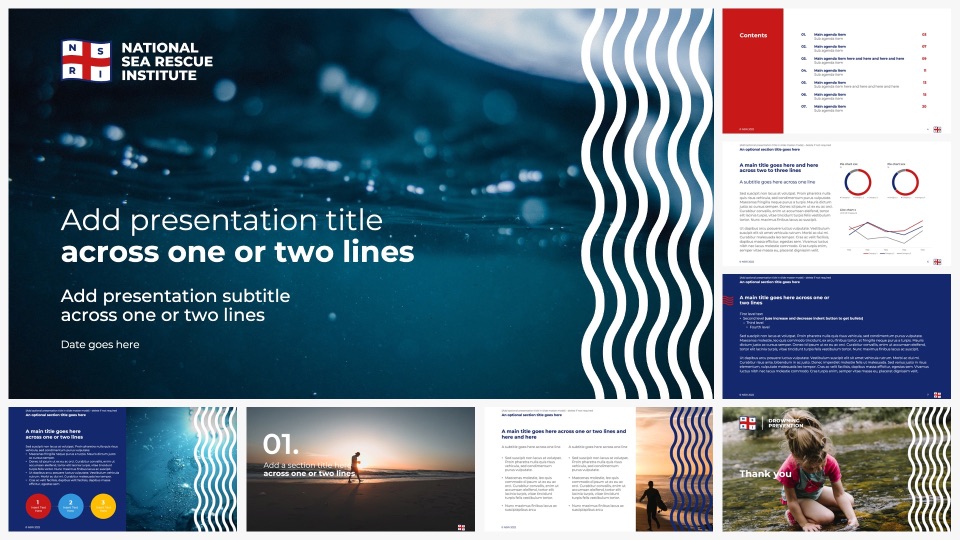
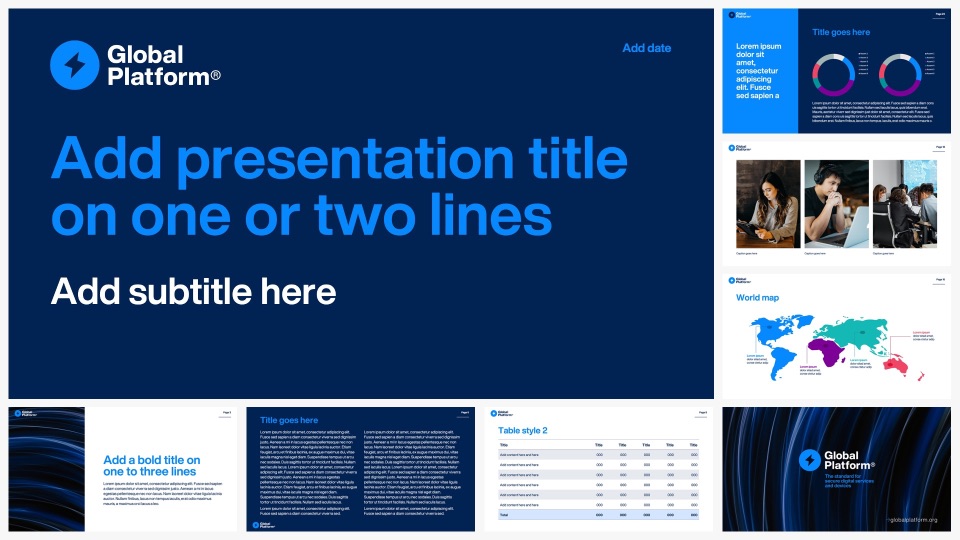
Sheets template portfolio

Need to improve your Google Sheets environment?
Whether you need a single structured spreadsheet template or a complete suite of connected Google Sheets systems, we can help.
Share your current spreadsheets, explain how the environment is being used, and we will review where inconsistencies, workflow issues, or structural problems are appearing — along with how the system can be improved for better collaboration, cleaner reporting, and easier long-term management.